
Stop Losing Lead Source Data in Contact Form 7
Your Contact Form 7 submissions show you what visitors want - but not where they came from. UTM tracking closes that gap.
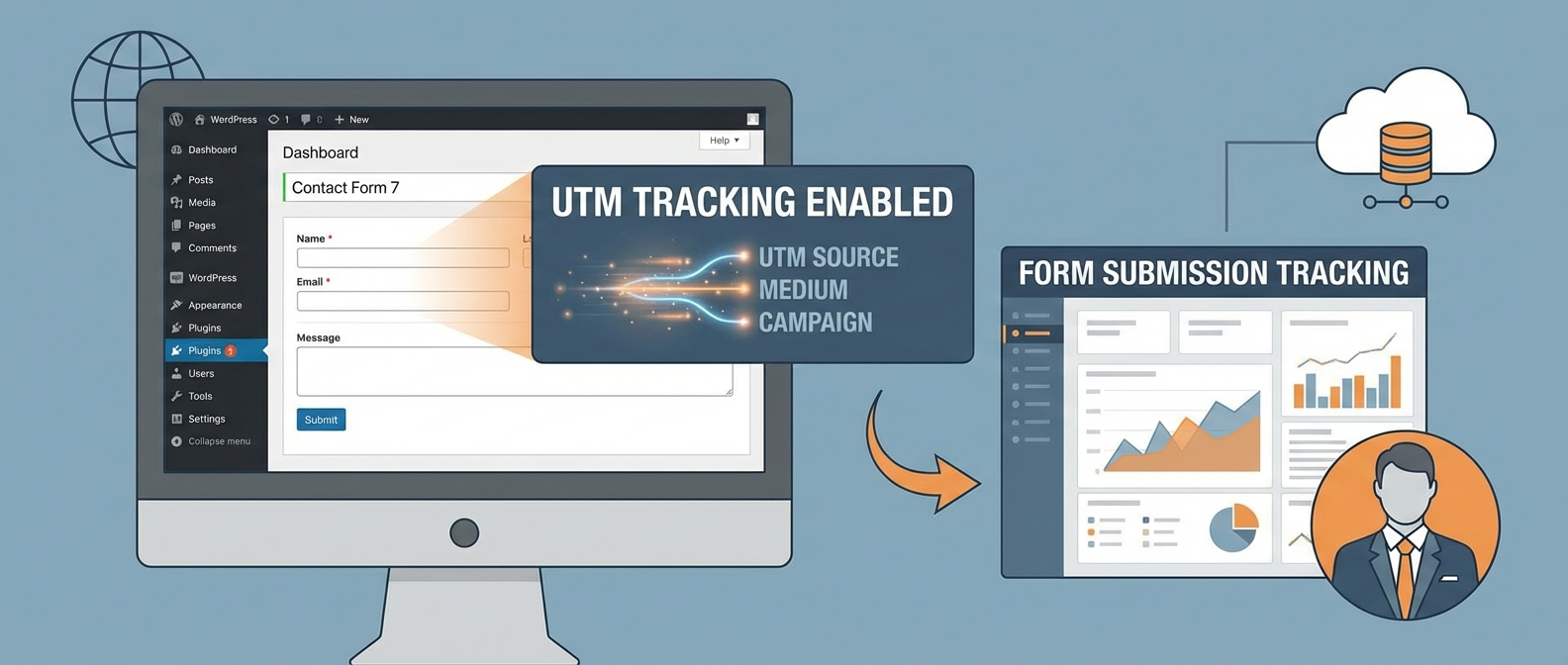
If this sounds familiar
- Your form submissions show names and emails but no source
- You can't tell which campaign brought the best leads
- Marketing and sales argue about which channels work
- Your best leads come from unknown sources
- You've manually asked "how did you find us?" and the answers are useless
You're qualifying leads without knowing their source.
How Contact Form 7 UTM Tracking Works
1. Capture UTM Parameters Automatically
UTM parameters exist in the URL when visitors arrive. Contact Form 7 doesn't capture them by default. You need a plugin or custom code to grab them on form submission.
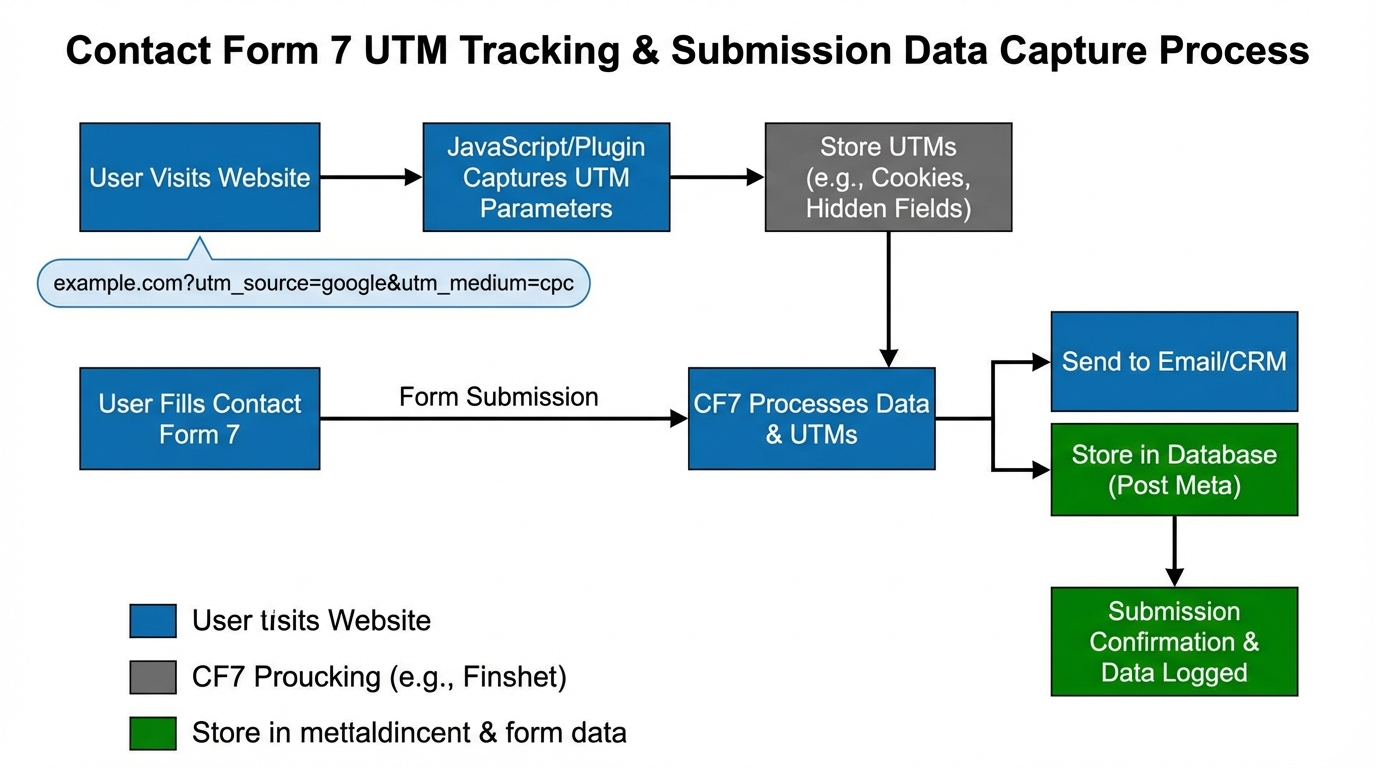
2. Store Parameters in Hidden Fields
Hidden form fields capture UTM source, medium, campaign, term, and content. These get submitted with the form and stored with the lead.
3. Pass Data to Your CRM
UTM data from forms should flow to your CRM, email marketing tool, and analytics. This creates a complete picture of lead source.
4. Preserving Parameters Across Sessions
If a visitor arrives with UTMs, browses for a week, then converts, you still need that original attribution. First-party storage preserves parameters across sessions.
The Cost of Lost Lead Attribution
- Can't identify which campaigns generate qualified leads
- Marketing budget goes to channels that look good but convert poorly
- Sales wastes time on low-quality leads from "good" channels
- No way to prove ROI on marketing spend
- Competitors with tracking win the optimization game
Every lead without source data is a missed optimization opportunity.
What Good Looks Like
- Each form submission includes source, medium, campaign
- Lead quality scores by channel in your CRM
- Marketing reports that tie directly to revenue
- Sales knows which messaging resonates by source
- Clear visibility into the full customer journey
Every lead comes with complete attribution data.
Why Manual Source Tracking Doesn't Work
This is exactly why we built UTM Grabber
UTM Grabber automatically captures and stores UTM parameters in Contact Form 7 submissions.
- One-click Contact Form 7 integration
- Automatic hidden field insertion
- Syncs UTM data to CRMs and email tools
- Preserves parameters across sessions
- Works with Gravity Forms too
Who this is for
- B2B companies generating leads via forms
- Service businesses tracking quote requests
- Agencies managing client form tracking
- WordPress site owners running campaigns
- Anyone who needs to know which leads come from which campaigns
Any WordPress site using Contact Form 7 that needs lead attribution.