
Best UTM Tracking Plugins for WordPress - 2026 Comparison
WordPress has dozens of UTM tracking plugins. Some are free. Some are premium. Some work great until Safari updates. Others break your caching. Finding the right one requires understanding what you actually need and what each plugin actually delivers. Here is the practical comparison.

If you are looking for a WordPress UTM plugin, you are probably overwhelmed
- You search WordPress.org and find 20 plugins with similar descriptions
- You breaks your caching install one, it or forms
- You upgrade to premium and realize the free version was almost the same
- Your tracking still does not work on Safari or iOS
- You have no idea which reviews are real and which are fake
- You need WooCommerce integration but most plugins do not offer it
- You want AI-powered insights but only some plugins have them
Every plugin claims to be the best. Here is what actually matters.
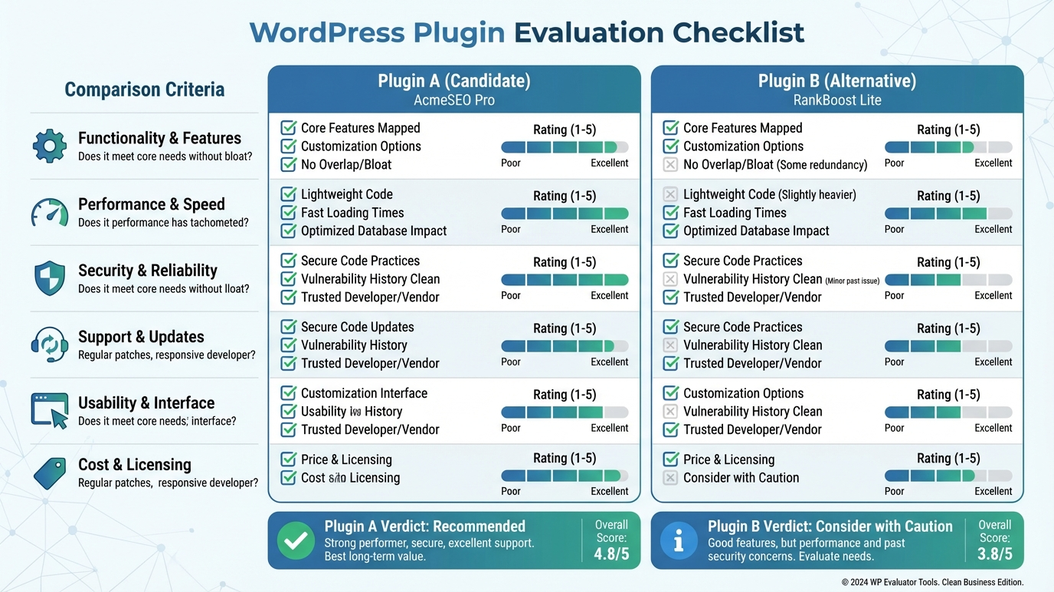
How to evaluate WordPress UTM plugins
1. Server-side vs client-side tracking
Most plugins track via JavaScript. This works until browsers block it (Safari ITP, Chrome privacy updates). Server-side tracking sends data from your server, not the browser. It survives privacy restrictions.
If you need reliable tracking, server-side matters more than features.
2. Form integration and CRM pass-through
Your forms need to pass UTM data to your CRM and email marketing. Many plugins claim this but few do it reliably. Some only work with specific form plugins.
Test with your specific form plugin before committing. Check if they support ALL forms or just a few.
3. WordPress.org ratings vs premium marketing
WordPress.org ratings are verified. Premium plugin marketing is not. A plugin with 4.5 stars and 10,000 installs is more proven than a premium plugin with testimonials you cannot verify.
Check WordPress.org even if you plan to buy premium.
4. Ecommerce tracking (WooCommerce)
If you run a WooCommerce store, you need revenue attribution. Some plugins track visits but not conversions. Others integrate with WooCommerce to show which campaigns drive actual sales.
Ecommerce stores need plugins with WooCommerce support, not just basic UTM capture.
5. AI features vs basic tracking
Some plugins offer AI-powered insights that tell you what is working and what to fix. Others just track. AI is valuable if you want help understanding your data. It is noise if you just need reliable tracking.
Know whether you want tracking only or tracking + insights.
6. Parameters and custom tracking
Basic plugins track the 5 standard UTMs. Advanced plugins track 25+ parameters including gclid, fbclid, affid, ValueTrack, and custom parameters.
Consider what parameters you need now and might need later.
7. Cookie duration and GDPR
Browser restrictions limit cookie storage. Some plugins let you set custom durations (24h to 365 days). Others have fixed settings. GDPR compliance matters for EU traffic.
Check cookie duration options and consent mode integration.
8. Integrations and ecosystem
Your tracking needs to connect to your existing tools - CRMs, email marketing, ad platforms. Some plugins have 50+ integrations. Others are limited.
Make a list of tools you need to integrate before choosing.
The real cost is not the plugin - it is the wrong choice
- Paying for features you do not need while missing ones you do
- Choosing a plugin that does not integrate with your forms or CRM
- Discovering server-side tracking is extra after you bought
- Realizing too late that your tracking still fails on iOS/Safari
- Needing WooCommerce revenue tracking but getting basic visit tracking only
- Wanting AI insights but the plugin does not offer them
Choosing a plugin based on marketing instead of needs costs more than the subscription.
Choosing a WordPress UTM plugin means matching needs to features
- Basic tracking: Free or low-cost plugin with good WordPress.org reviews
- Ecommerce/WooCommerce: Plugin with native WooCommerce integration
- Server-side needed: Plugin with built-in server-side tracking (not extra)
- AI insights wanted: Plugin with AI-powered reporting
- Form integration critical: Plugin that works with ALL form plugins, not just a few
- Multi-site: Plugin with network/multisite support
- Comprehensive needs: Plugin with 25+ parameters, 50+ integrations, all features included
The best plugin fits your actual situation, not the most popular one.
Why more features are not always better
This is why UTM Grabber exists
UTM Grabber is the most comprehensive WordPress UTM plugin - balancing simplicity for basics with enterprise features for advanced needs.
- Server-side tracking built-in (not an expensive add-on)
- WooCommerce integration for ecommerce revenue attribution
- 25+ parameters including custom tracking (gclid, fbclid, affid, ValueTrack)
- AI-powered insights that tell you what is working and what to fix
- 50+ integrations with forms, CRMs, email tools, and marketing platforms
- Works with ALL form plugins - not just Contact Form 7
- Cookie duration control from 24 hours to 365 days
- GDPR compliant with one-click consent mode support
- Multi-site network support for enterprise WordPress deployments
- GCLID Reporter connecting Google Ads data
- Live visitor tracking demo - see attribution in real-time
- WordPress-native - built specifically for the platform
UTM Grabber is built for WordPress users who need comprehensive tracking
- WooCommerce stores needing revenue and conversion attribution
- Teams whose current plugin fails on iOS/Safari
- Businesses using forms that need UTM pass-through to CRMs
- Ecommerce teams wanting AI-powered marketing insights
- Agencies managing multiple WordPress sites
- Multi-site enterprises needing network-wide tracking
- GDPR-compliant businesses requiring consent mode support
- Anyone wanting 50+ integrations with their existing tools
If you want a WordPress UTM plugin that does everything, this is for you.